Stamp method using QR code + GPS
[参加者向け] : QRコード+GPSによるスタンプ方法を説明します。
QRコード+GPSによるスタンプ方法は、ポスター等に表示された専用QRコードを読み込み、「スタンプする」ボタンをタップするとGPS を使用して現在の位置情報を取得します。位置情報がスタンプ圏内であればスタンプを獲得できます。
QRコード+GPSによるスタンプの流れ
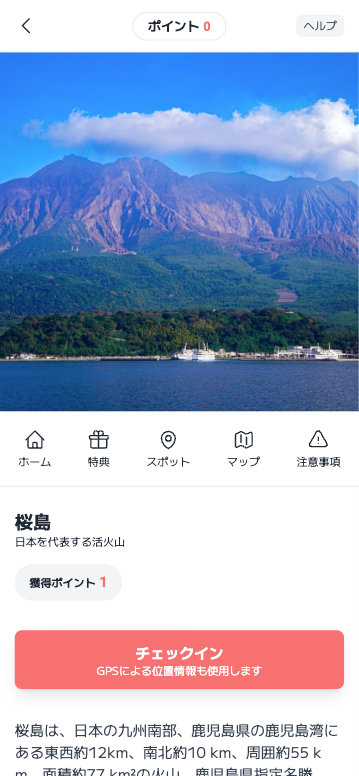
スタンプする(ポイントラリーはチェックイン)ボタンを押す
該当のスポットページを表示してスタンプ(ポイントラリーはチェックイン)ボタンをタップします。
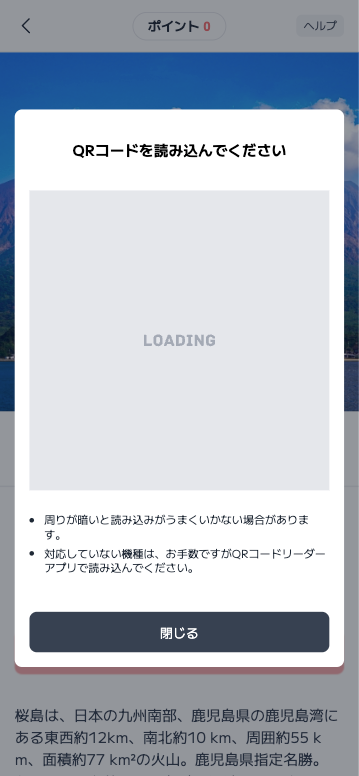
In-app camera launches
The camera in the app will start、カメラへのアクセスを許可してQRコードが中心になるようにスマートフォンを調整してください。The QR code will be automatically read.。
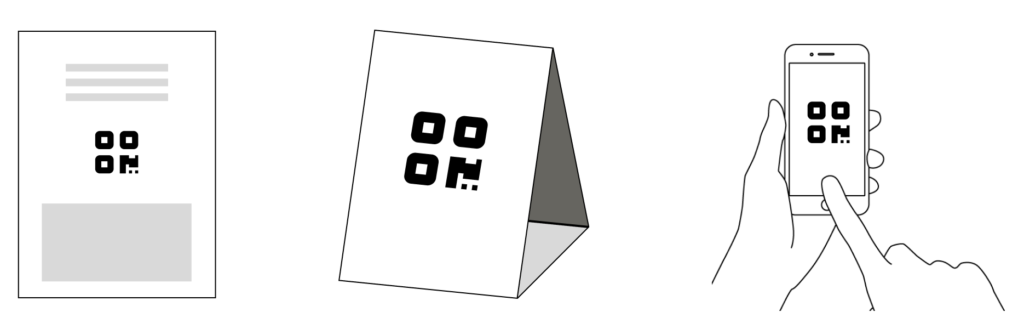
Load the dedicated QR code displayed on posters, triangle pops, etc.
Tap the "Stamp" or "Check-in" button.、Launch the in-app camera and load the dedicated QR code displayed on the poster, triangle pop, etc.。
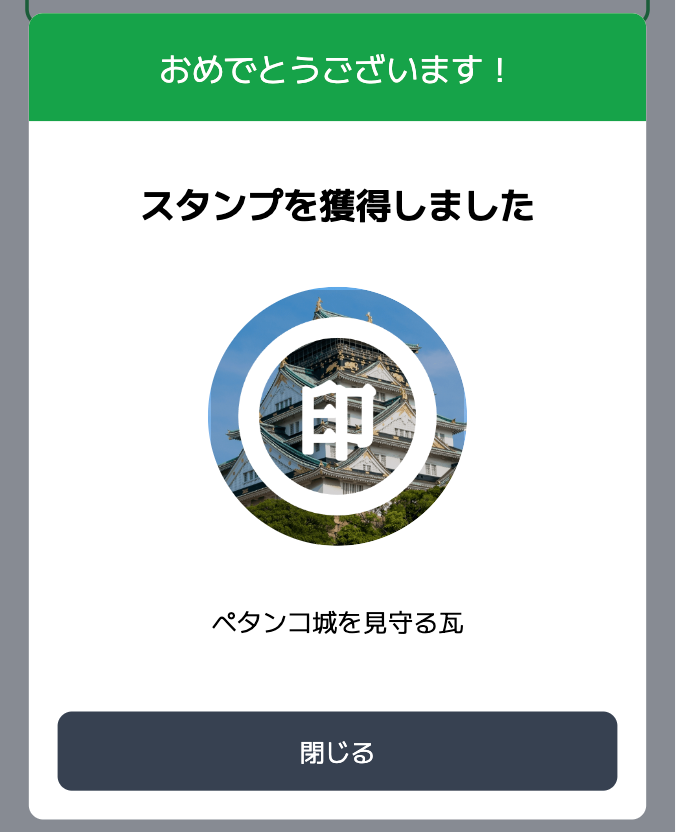
スタンプ獲得完了の画面が表示される
「スタンプを獲得しました」というメッセージが表示されたら完了です。
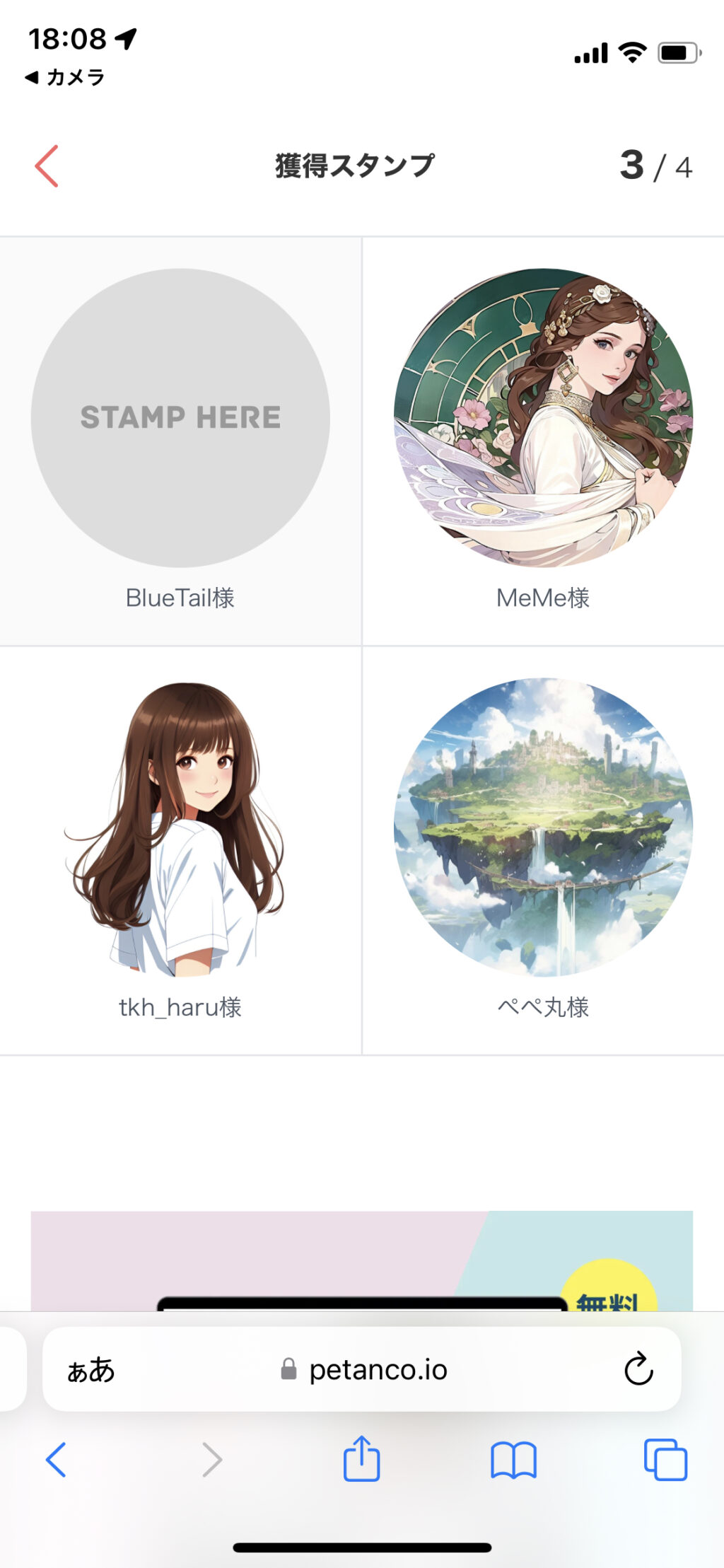
Check the stamps (points) you have earned
Stamp rally method
Once the stamp is complete, the stamp will be displayed on the stamp card.。
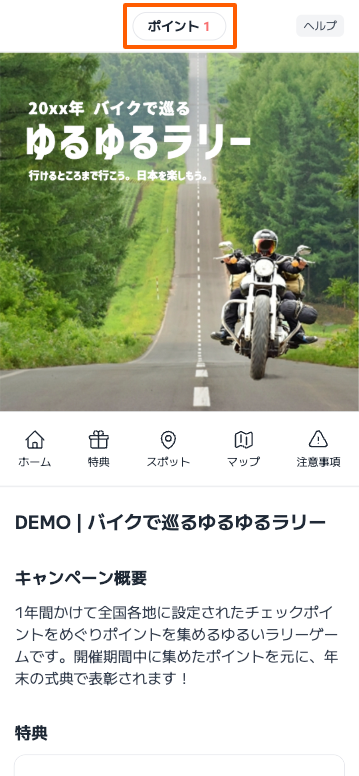
Point Rally Method
Points that have been checked in will be added。
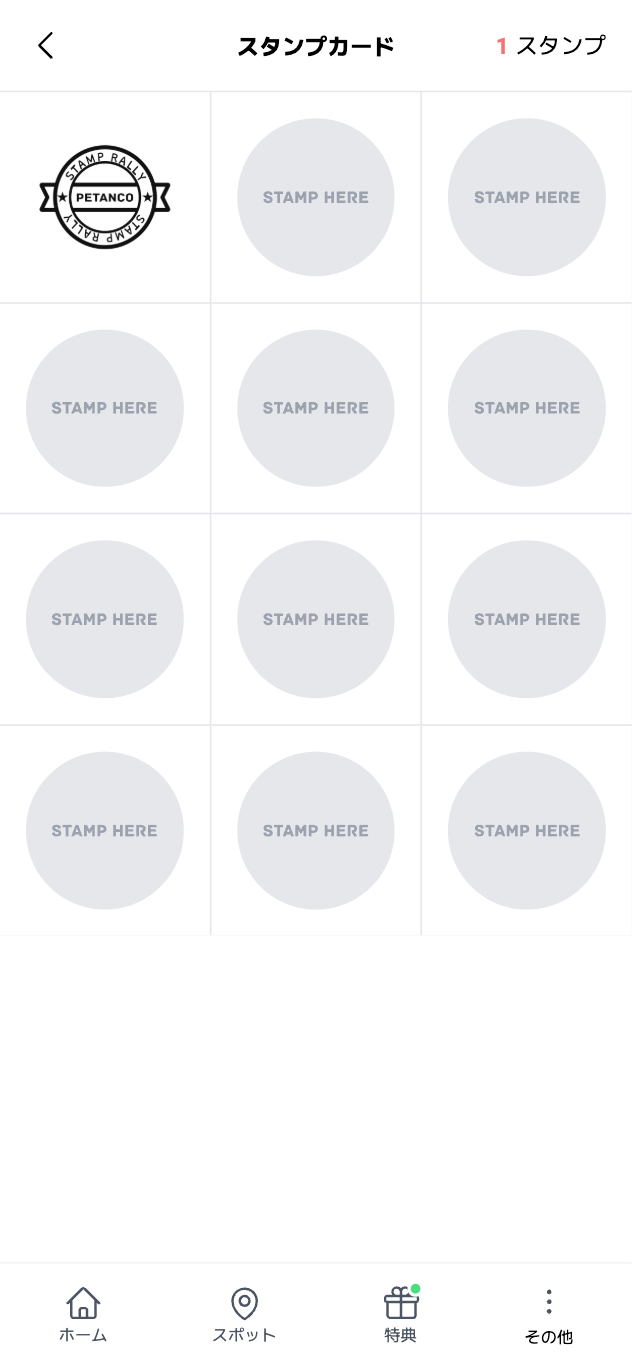
スタンプカード方式
チェックインが完了したスタンプが加算されます。
When stamping with a QR code reader app
Please read using the recommended QR code reader app below.。
Information on recommended QR code reader apps
- If you are using an iPhone, clickcamera app” is recommended.。
- For those using Android, clickGoogle Lens” is recommended.。
QRコード+GPSでスタンプを獲得できない
QRコード+GPSでスタンプを獲得できない方は次のトラブルシューティングをご覧ください。